A little window. A lot of freedom.
Tap Picture in Picture or swipe up. Your video stays with you while you use another app.
 pippi
pippiA little video player for iPhone
Keep your own videos close while you do something else. Watch in a floating window, at your pace, right where you left off.
iPhone · iOS 17 or later · All features free · Optional in-app purchase
MADE FOR YOUR EVERYDAY
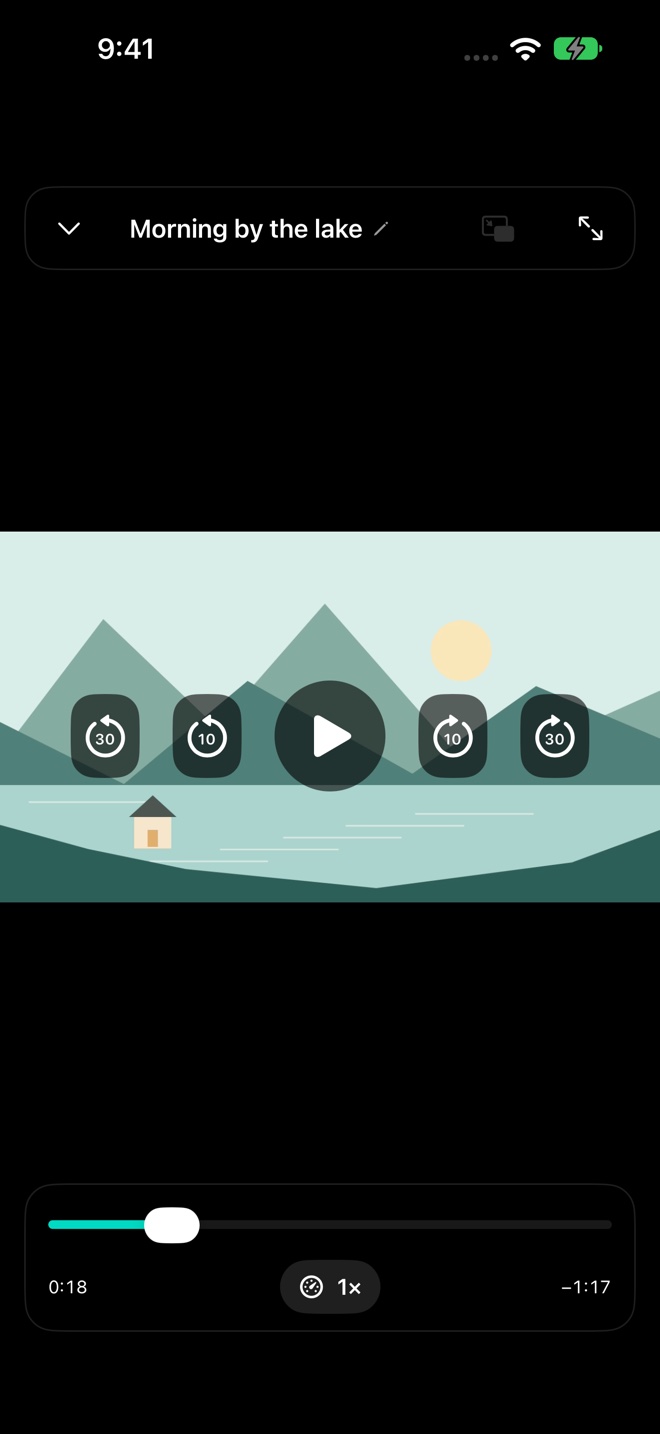
No elaborate setup. Just choose a video you already have and press play.
Tap Picture in Picture or swipe up. Your video stays with you while you use another app.
Make the default 10 and 30 second buttons your own. Save a playback speed from 0.5× to 2× for each video.
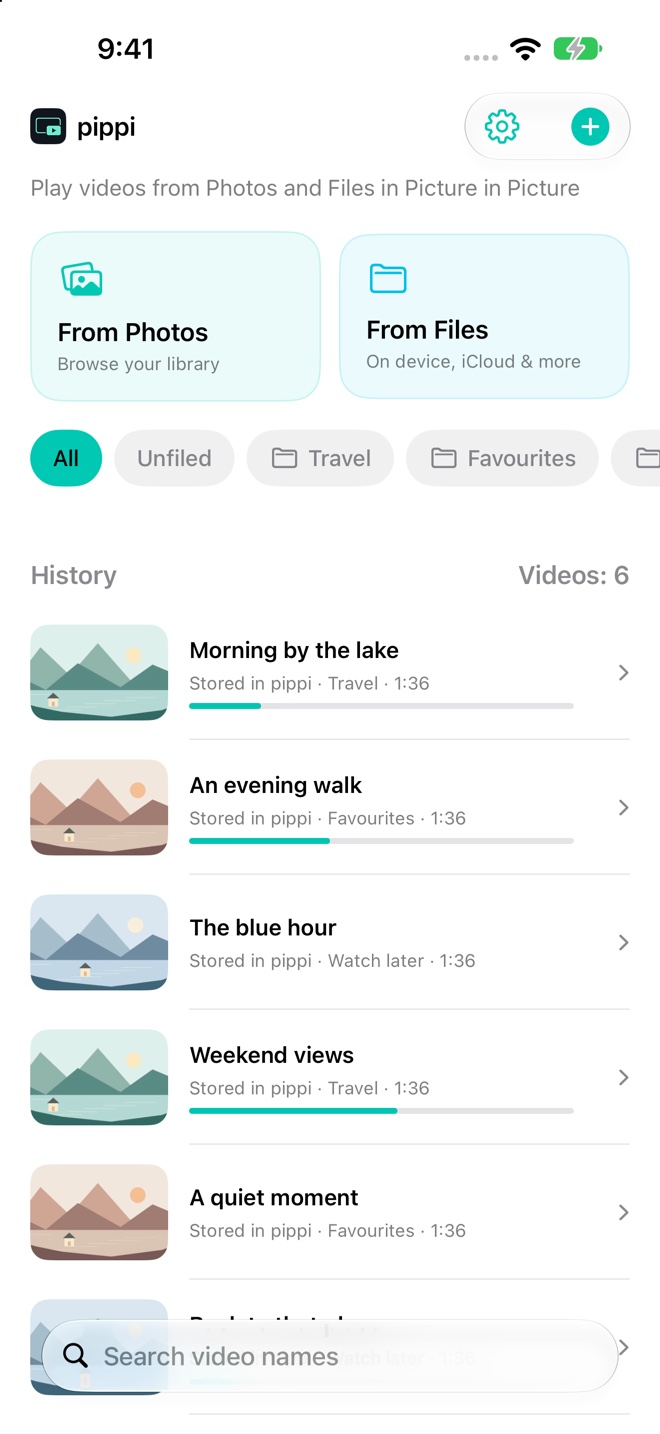
Thumbnails, folders, search and custom names. Saved positions let you carry on where you stopped.
A HOME FOR YOUR VIDEOS
Give a video a name just for pippi, without renaming the original. Keep your favourites together in folders.
No account. No ads. Your videos and library are not uploaded to the developer’s servers.
Privacy policy ↗LESS SETUP, MORE PLAY
Pick a video from Photos or Files.
Use the buttons or double-tap. Adjust speed as you watch.
Tap Picture in Picture or swipe up. Keep watching alongside your usual apps.
Yes. The regular share extension adds a copy to pippi. To open the main app and play directly, add the ready-made “Play in pippi” shortcut from Settings once.
Videos selected inside pippi are references to your originals. Custom names apply only in pippi. Deleting a copied video removes that copy from pippi too.
Playback uses formats supported by iOS. A codec, DRM restriction or file provider may prevent playback.
iOS manages the floating window. The app’s swipe gestures and two-stage skip settings do not apply inside it.
All features are free. An optional coffee tip in Settings is a one-time in-app purchase you can repeat. It never renews automatically.